
Connect a Walmart Connect Account
Connect your Walmart Connect advertising account to DataHawk to pull daily ad performance alongside Marketplace sales and search data.
Walmart Connect is Walmart's advertising platform: the equivalent of Amazon Advertising for Walmart Marketplace sellers. Once connected, DataHawk pulls campaign-level performance daily and joins it with your Marketplace sales and search data for a complete view of advertising ROI.
What you get
Supported regions
DataHawk connects only with US-registered Walmart Connect accounts.
Data coverage
Walmart Connect data lands in the ADVERTISING schema, with all tables prefixed WMT_ (for example ADVERTISING.WMT_AD_ITEM). The full reference, every table, what's in it, and how to use it, lives on Walmart Advertising Data.
Historical data
At connection time, DataHawk retrieves up to 90 days of past data. From then on we refresh daily and keep the full history available for trend analyses. Walmart finalizes reports on a 14-day lag, so a second reconciliation pass runs 15 days after the first download to capture the final numbers.
Before you start
You'll need:
- Your advertising ID: See Walmart's official guide for where to find it.
- To know whether your account is 1P or 3P: See Walmart user roles and permissions if you're unsure.
How to connect
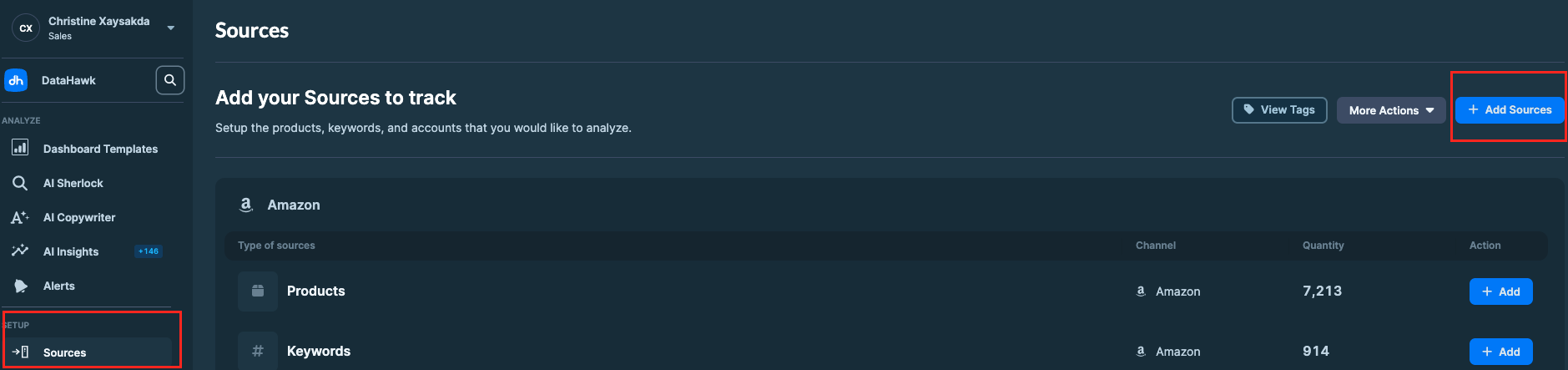
Go to the Sources page
Open the Sources page in the DataHawk web app.
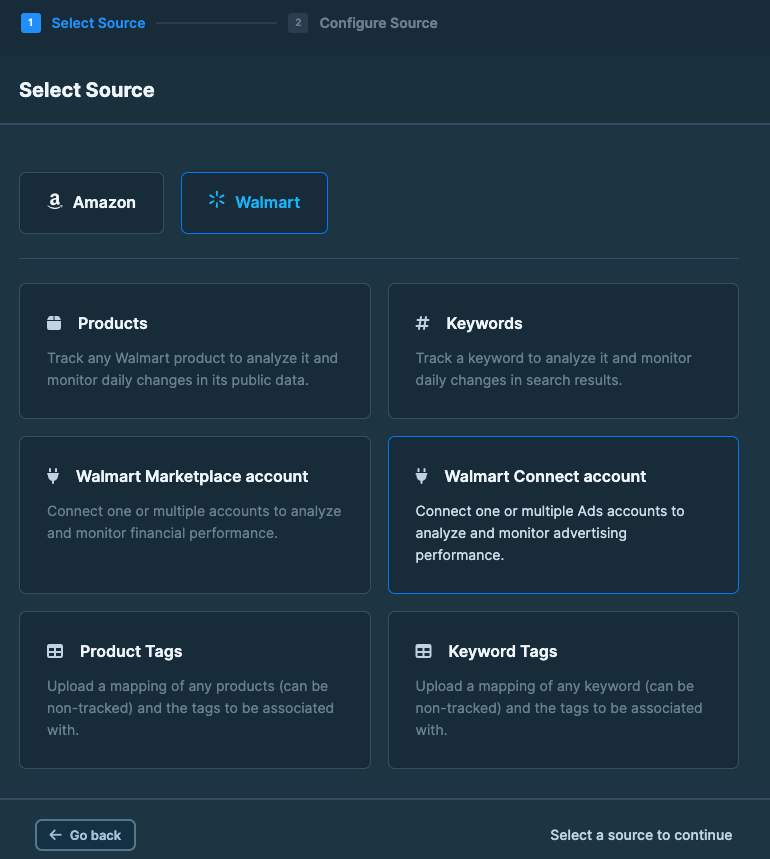
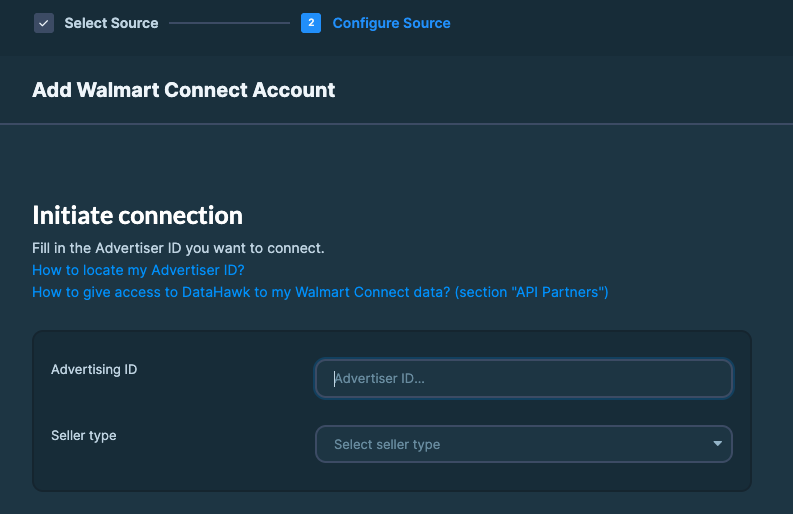
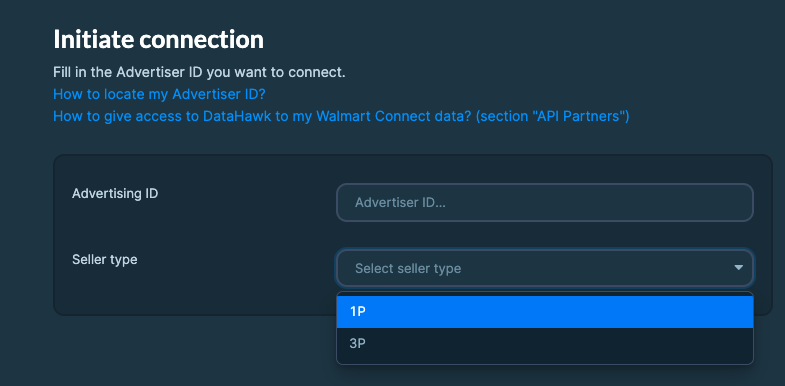
Confirm the connection
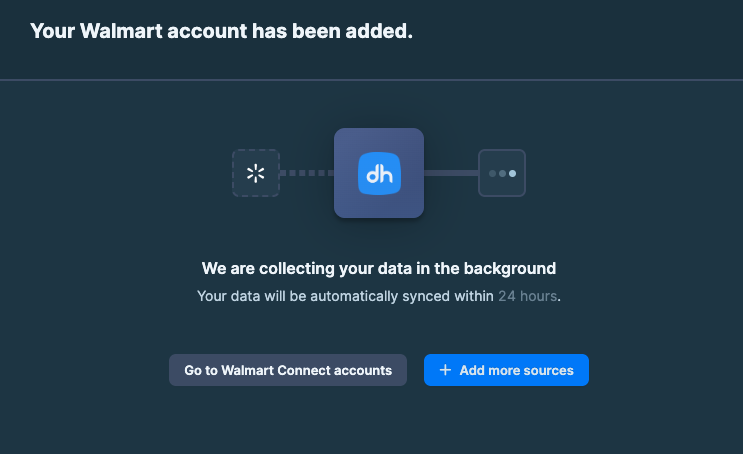
Your account is now connected. The first 90 days of data start backfilling in the background. You can come back to the Sources page to check progress.