
Walmart Private Data - Marketplace
Connect your Walmart Marketplace account to DataHawk to collect and report on US seller data.
Walmart Marketplace is Walmart's third-party seller platform: the equivalent of Amazon Seller Central for the Walmart ecosystem. Connect your account to DataHawk to automatically pull sales, fulfillment, and item-level data. There's no limit on the number of US-registered Marketplace accounts you can link.
DataHawk Connection Capabilities
Supported regions
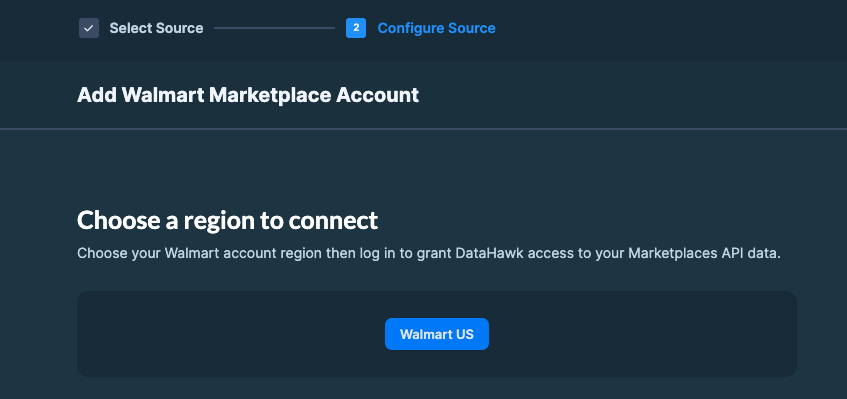
DataHawk connects only with US-registered accounts.
Data Coverage
Walmart Seller data can be found in the FINANCE schema. Tables are prefixed with WMT. Example: FINANCE.WMT_MARKETPLACE_ITEMS
Data is refreshed daily.
Tables
WMT_MARKETPLACE_ITEMS- This table stores product listings for Walmart Marketplace, including identifiers, pricing, availability, condition, status, and publishing details for inventory management.
WMT_MARKETPLACE_ORDERS- This table stores Walmart Marketplace order details, including order IDs, product info, pricing, customer data, fulfillment, shipping, and status for tracking and processing.
Historical data storage
Once you connect your Walmart Marketplace to DataHawk, we immediately retrieve a maximum of 90 days of data. Then, we securely store and back up all your data everyday, enabling more comprehensive reporting with extended historical context.
Refresh Frequency & Data Delay
- Data Refresh: A second data refresh takes place 15 days after the first download.
- Data Updates: Walmart does not update reports after 14 days, so we always fetch the most recent consolidated version available.
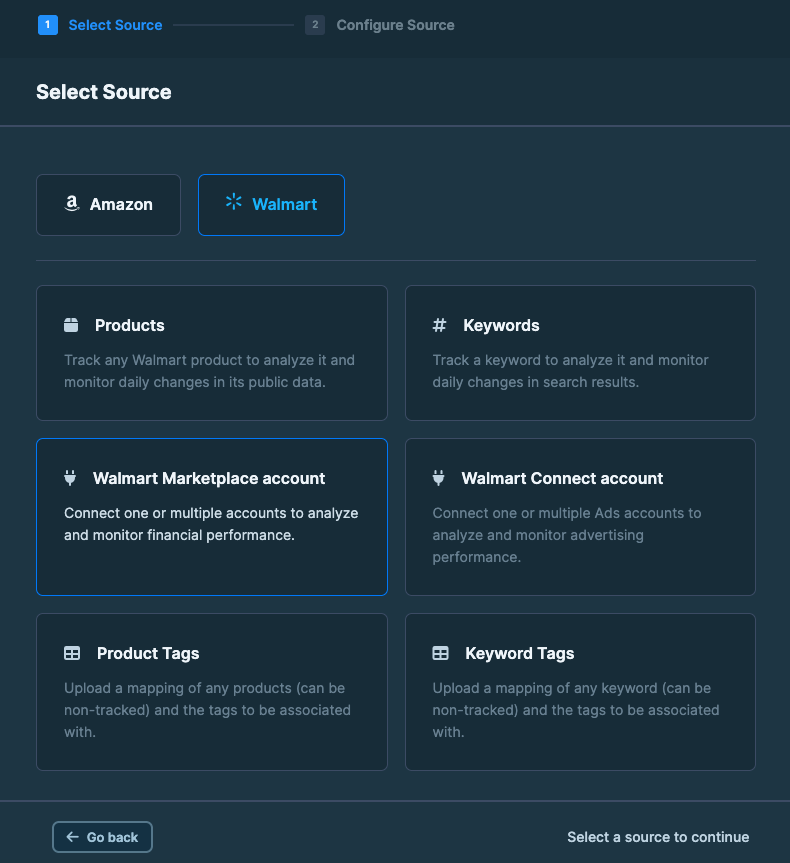
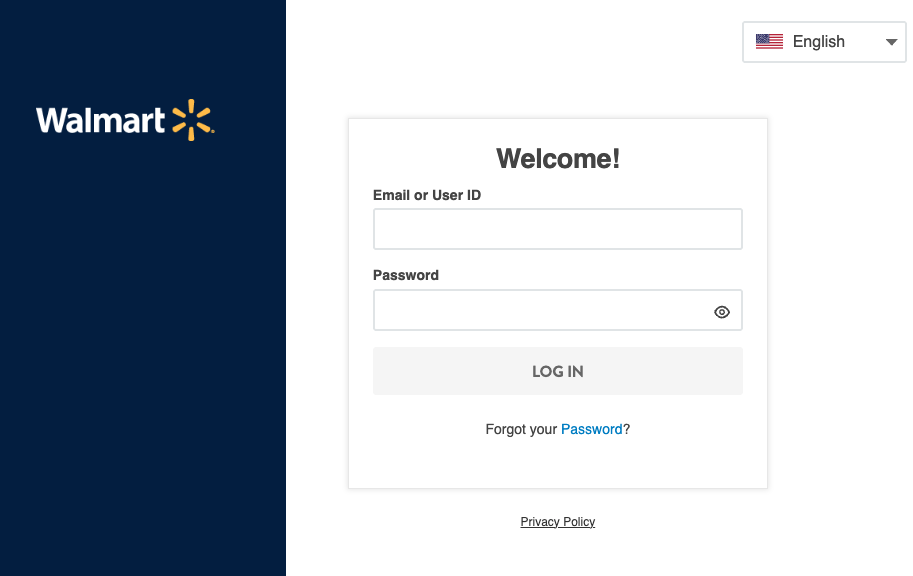
How to connect Marketplace account
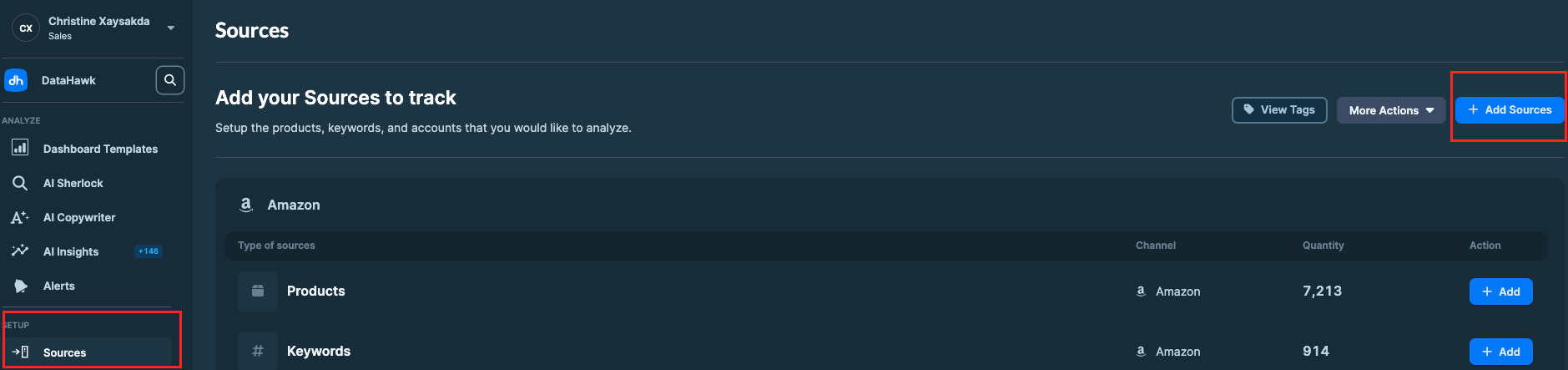
Go to the Sources Page
On DataHawk App, go to the Sources Page.
Useful resources
Track Categories (Amazon only)
Track an Amazon category to monitor the top 100 products daily and follow their sales rank with a simplified set of product metrics.
Connect a Walmart Connect Account
Connect your Walmart Connect advertising account to DataHawk to pull daily ad performance alongside Marketplace sales and search data.