
Welcome to DataHawk
DataHawk manages and delivers data for your strategic and daily decisions.
Start here to understand how DataHawk turns marketplace, advertising, and product data into dashboards and hosted datasets your team can use from day one.
Full account visibility
Sales, P&L, traffic, inventory health, and advertising performance across all your Seller and Vendor accounts.
Own your search visibility
Organic and paid share of voice, keyword ranks, and competitor search performance by market.
Dominate your category
Market share evolution, competitor sales estimates, and new entrant detection across any category.
Stay one step ahead
Instant alerts on pricing changes, Buy Box shifts, content edits, and key performance drops.
AI-powered strategy
Our AI agent analyzes your performance and delivers clear, prioritized recommendations on what to do next.
Power your own stack
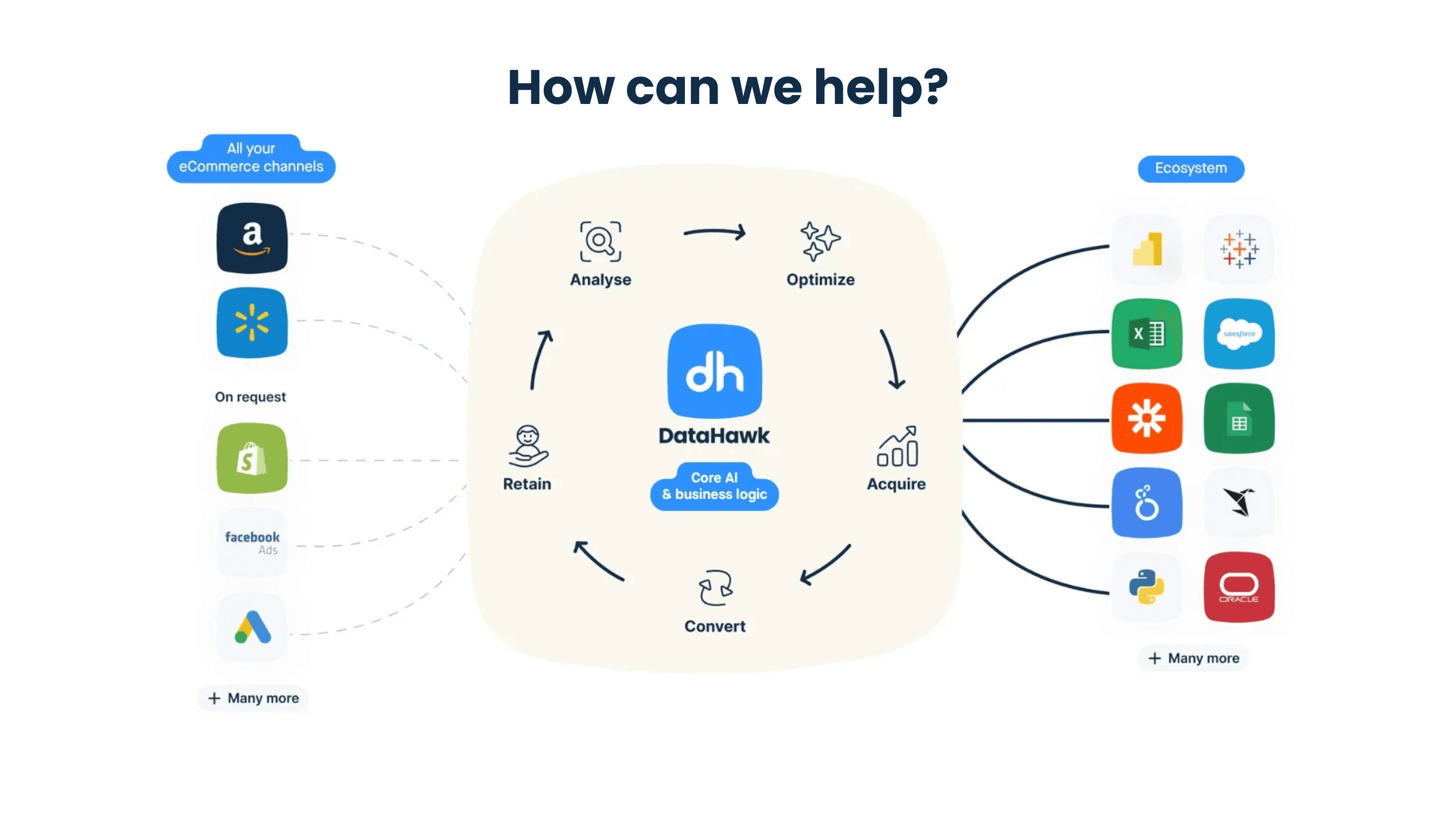
Connect DataHawk directly to your own tools, models, or third-party solutions and fuel your in-house analytics with reliable marketplace data.
Need something else...
New to DataHawk?
Sign up on your own and get 14 days to try DataHawk. Create your account, set up your workspace, and connect your first source.
Joining your team?
You got an invitation from a teammate or from DataHawk. Go from first sign-in to your first report in about 30 minutes.
Already set up?
Looking for in-depth guides, dashboard references, or data model documentation? Find user guides for every dashboard, destination setup instructions, and more.
Stuck somewhere?
Find focused fixes for connection issues, stale data, discrepancies, dashboard problems, and access questions.
Need help? Reach out to your DataHawk contact or Get in Touch.