
DataHawk App Introduction
An overview of the DataHawk web platform; how to get access, how the platform is organized, and where to go next.
The DataHawk App is the web platform where you configure data sources, run AI modules such as Sherlock and AI Copywriter, manage Alerts, and explore your data. This page covers how to get signed in for the first time and how the platform is structured. For term definitions, see the Glossary.
Get access to DataHawk
- You signed your order form
- You will receive an email with a link to our DataHawk Platform
- You can proceed to sign in
- DataHawk team will add capacities to your workspace according to your agreement.
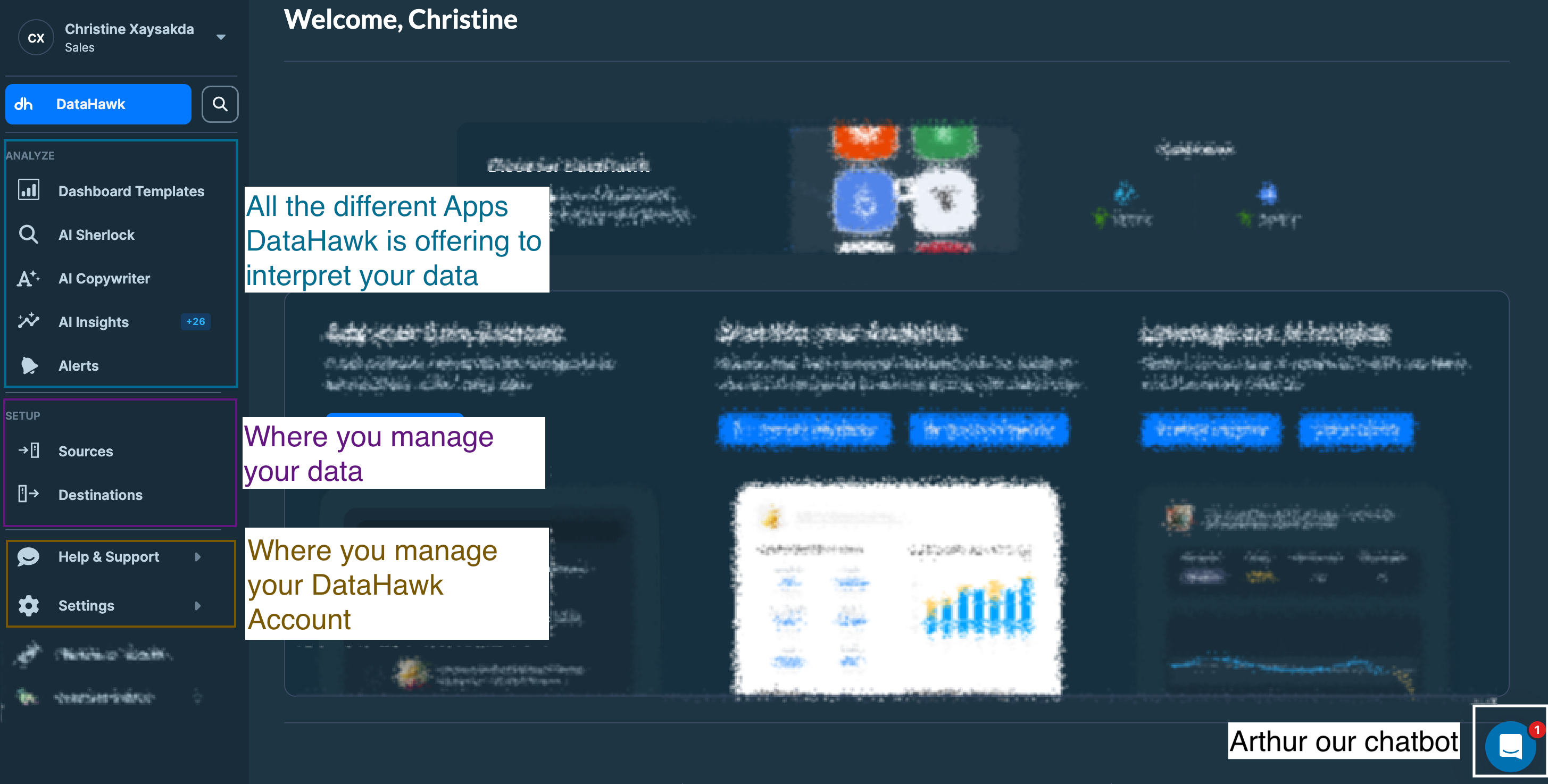
How the platform is organized
Read next
Navigating the DataHawk App
Find your way around the platform; sources, dashboards, and apps.
Account management
Manage your personal account, profile, and login settings.
Workspace management
Create and configure workspaces for brands, clients, or segments.
Members management
Invite teammates and control who has access to each workspace.
Subscription management
Review your plan, capacities, and billing settings.