
Manage your Account
Update your account name, email, password, delete your account, or download your personal data.
Your DataHawk account is separate from any workspace you belong to. It holds your name, email, password, and personal data. Manage all of it from Settings → Account in the web app.
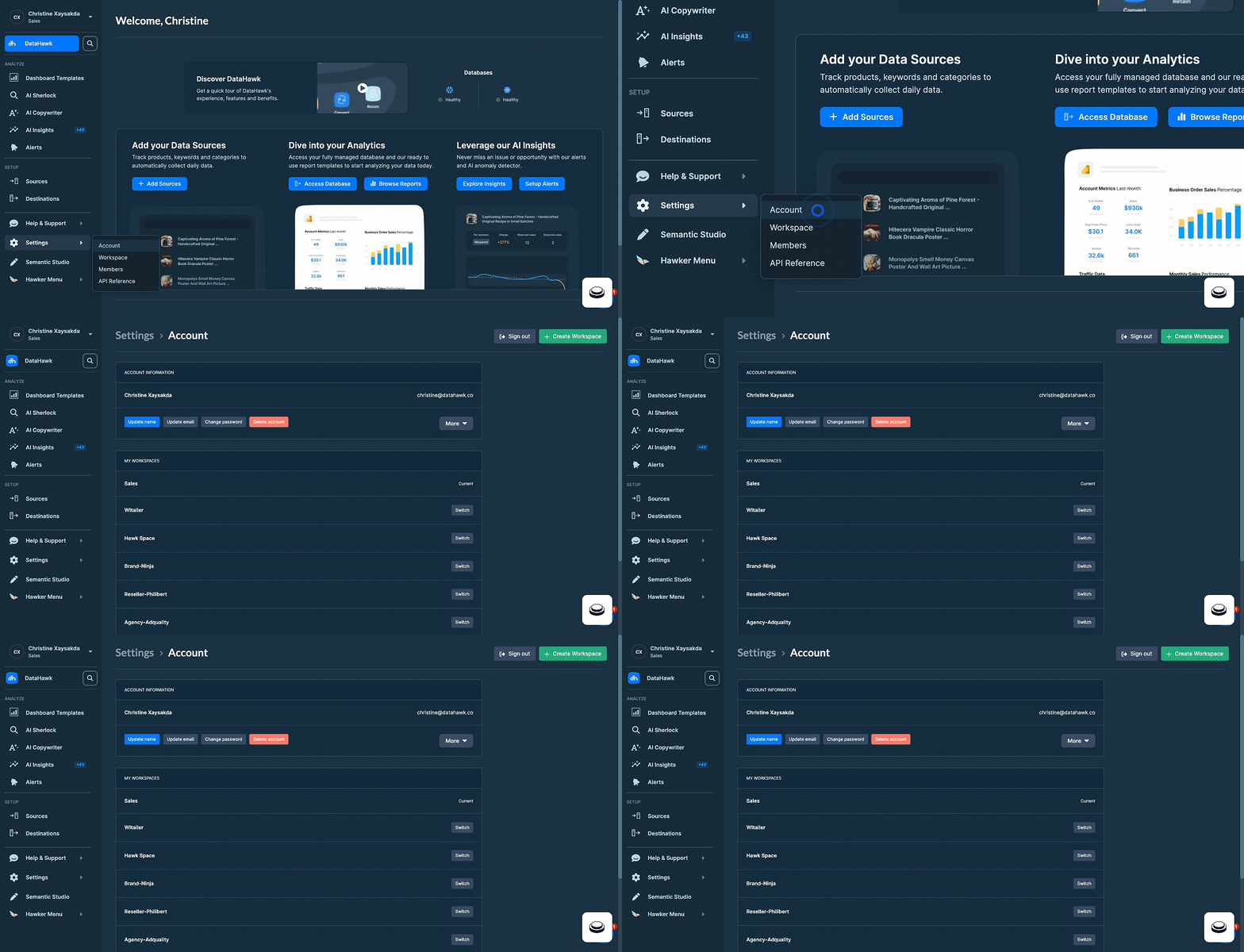
Update your account name
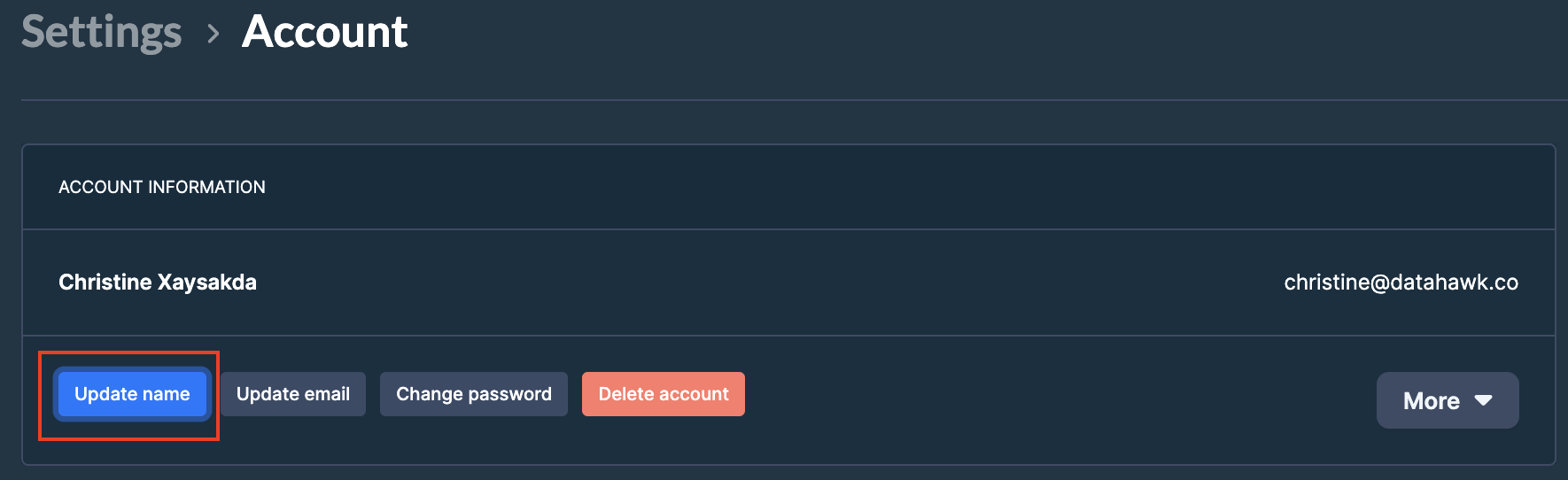
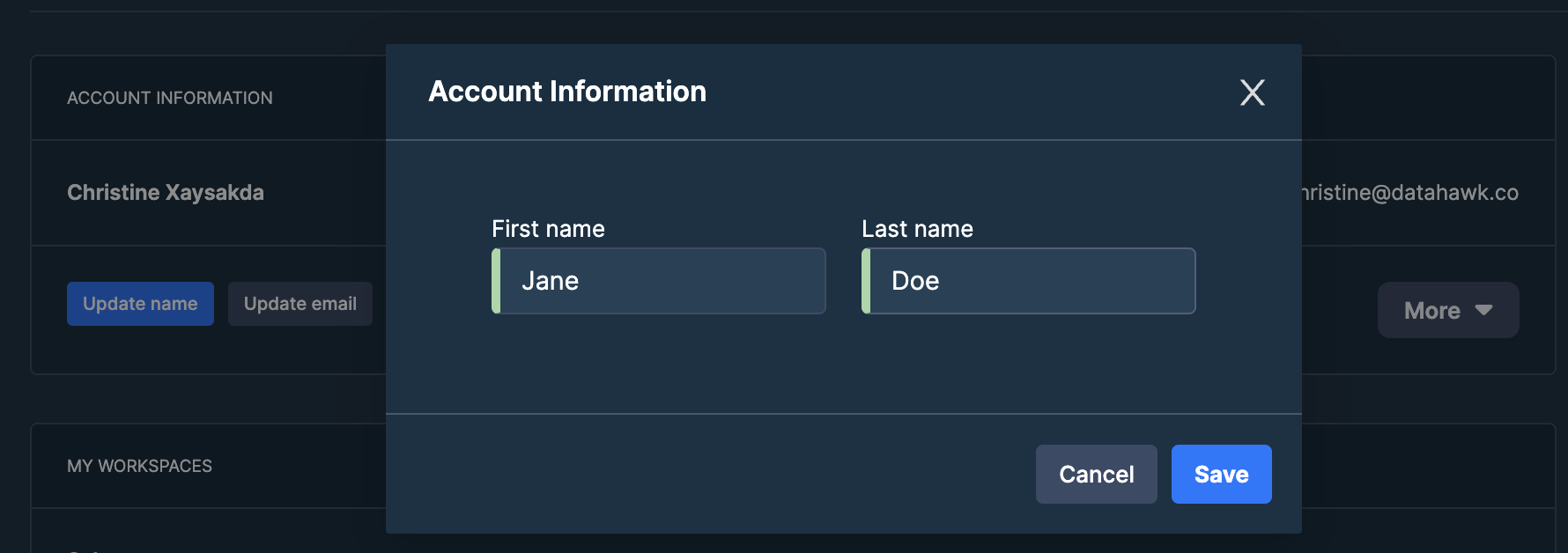
Save
Click Save to apply the change.
Update your email
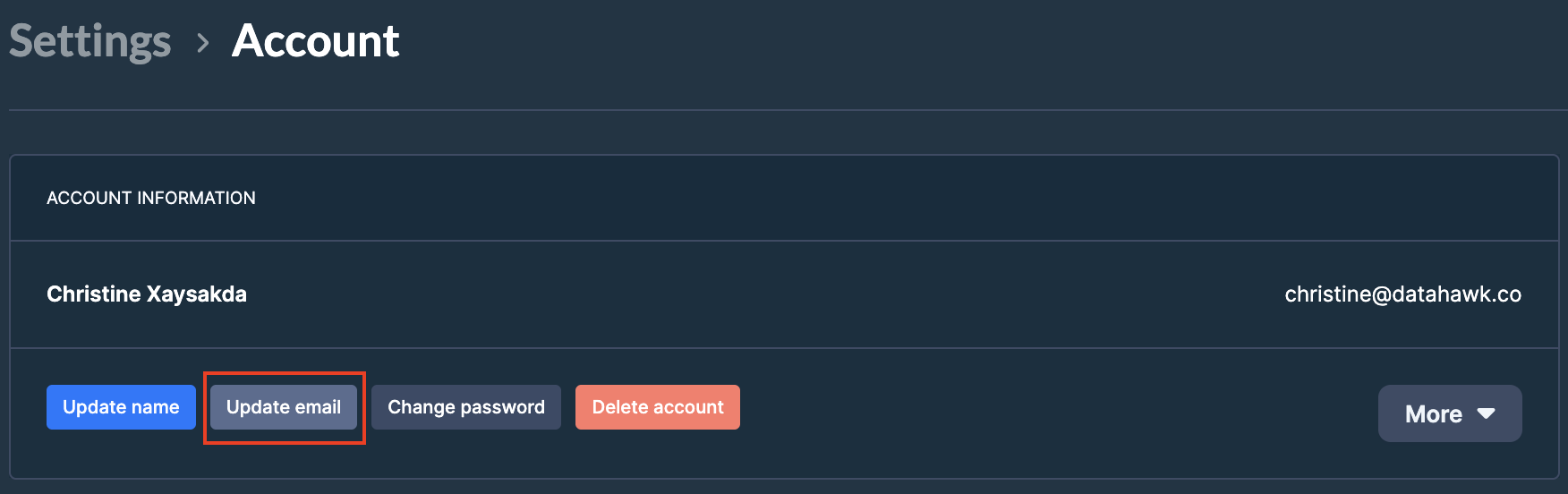
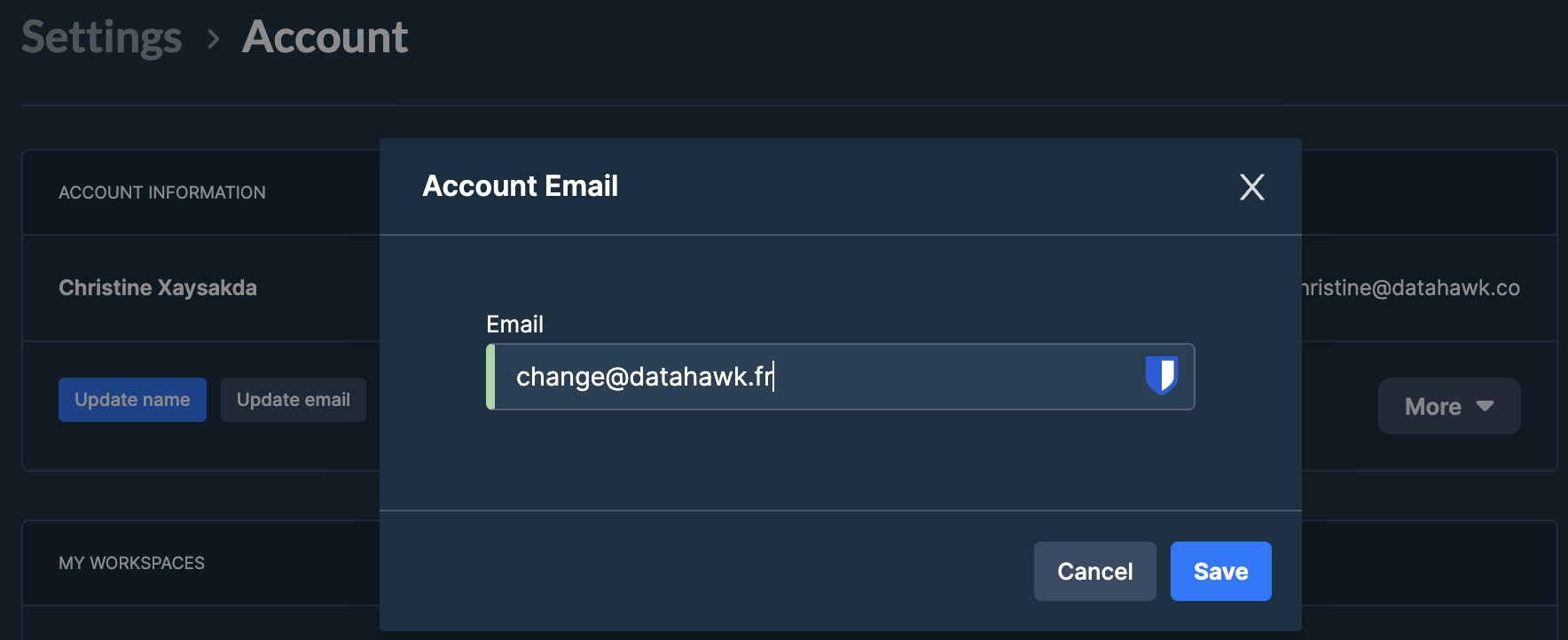
Change your password
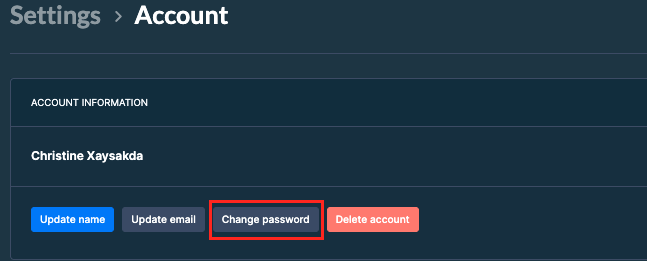
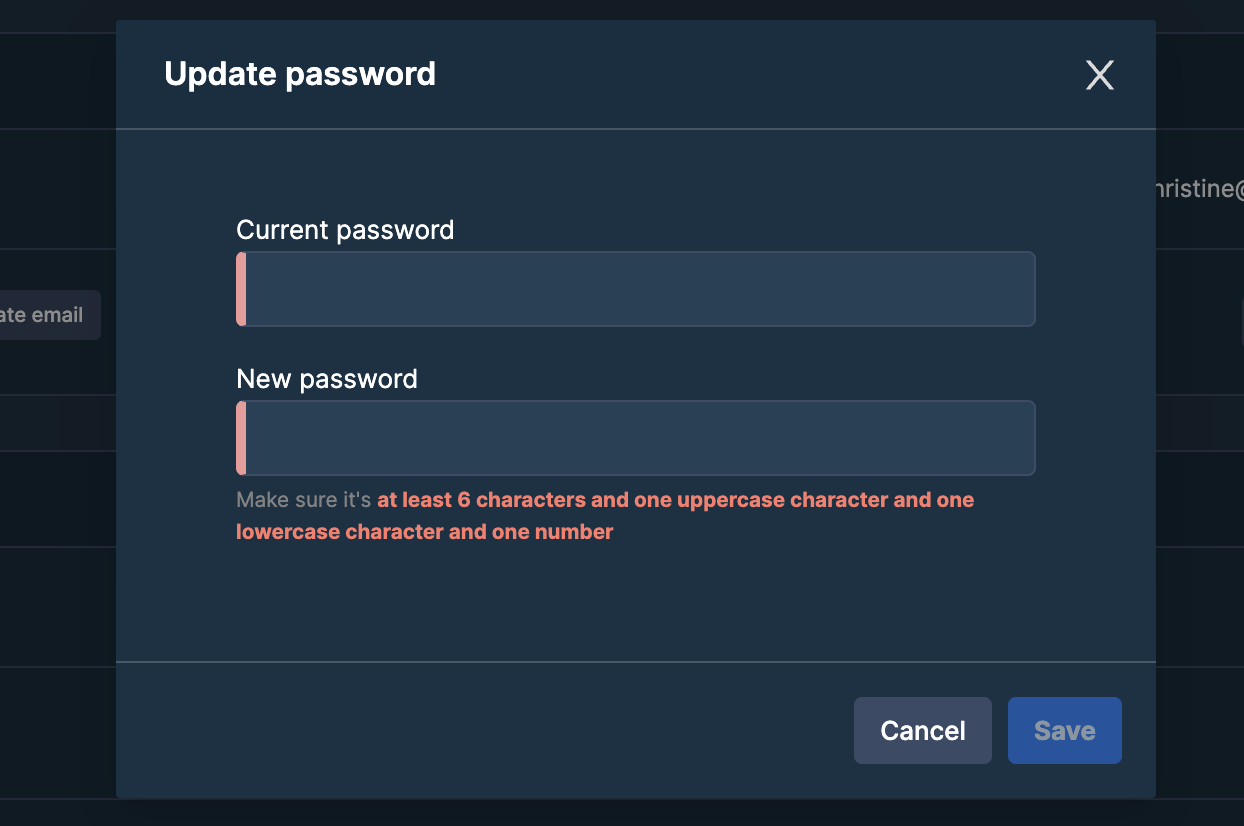
Set a new password
Requirements: at least 6 characters, one uppercase letter, one lowercase letter, and one number.
Save
Click Save to apply the change.
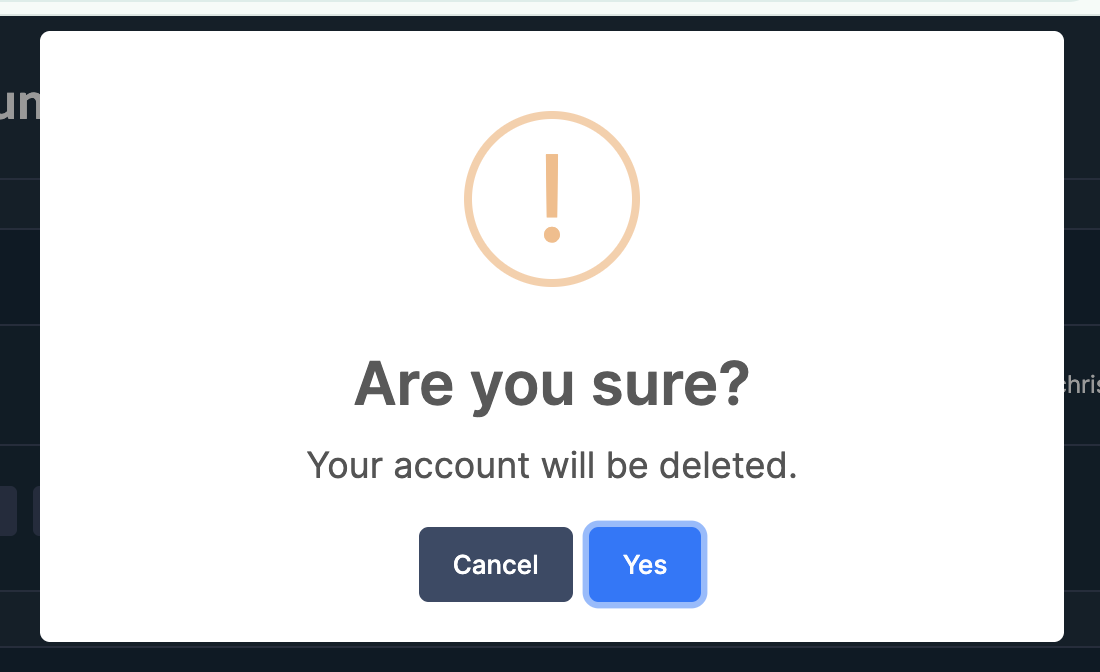
Delete your account
⚠️
Deleting your account is permanent. We cannot recover a canceled account.
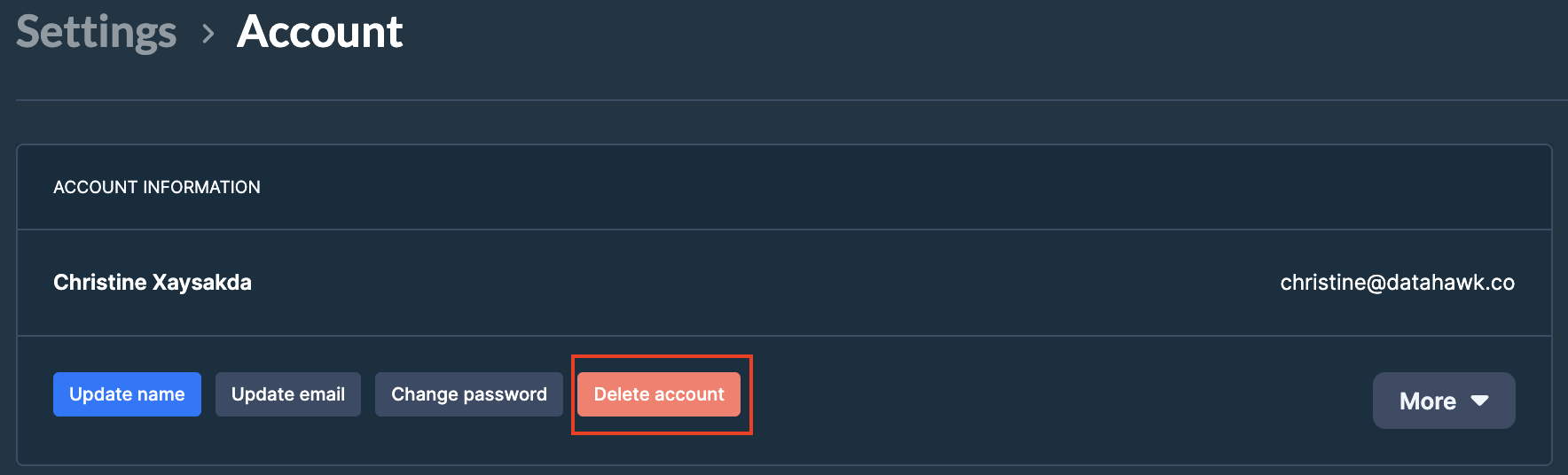
Download your data
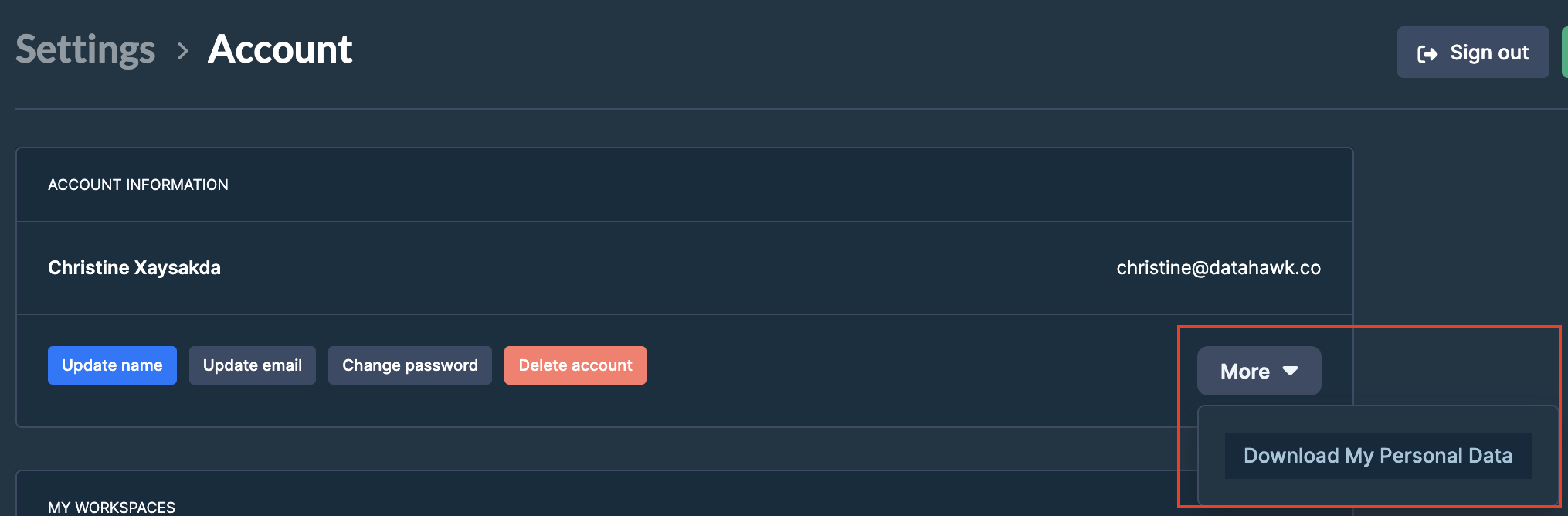
Trigger the export
Click Download My Personal Data. An Excel file downloads automatically.
The exported file contains:
- Export Date (UTC)
- Account Creation Date
- Last name
- First name
- Full name