
Amazon Private Data - Seller Account
Connect your Amazon Seller Central account to DataHawk to automatically collect financial, traffic, and inventory data.
Amazon Seller Central is the platform sellers use to sell products on Amazon directly to consumers, either fulfilling orders themselves (FBM) or via Amazon's fulfillment centers (FBA). DataHawk lets you connect an unlimited number of Seller Central accounts and automatically pulls financial, traffic, inventory, and listing data for each, ready for seamless reporting and analysis:
- Financial Data: Revenue, expenses, and cost breakdowns by account and product
- Traffic & Sessions Data: Page views and sessions metrics per product
- Inventory Data: FBA inventory levels and movements by product
DataHawk Connection Capabilities
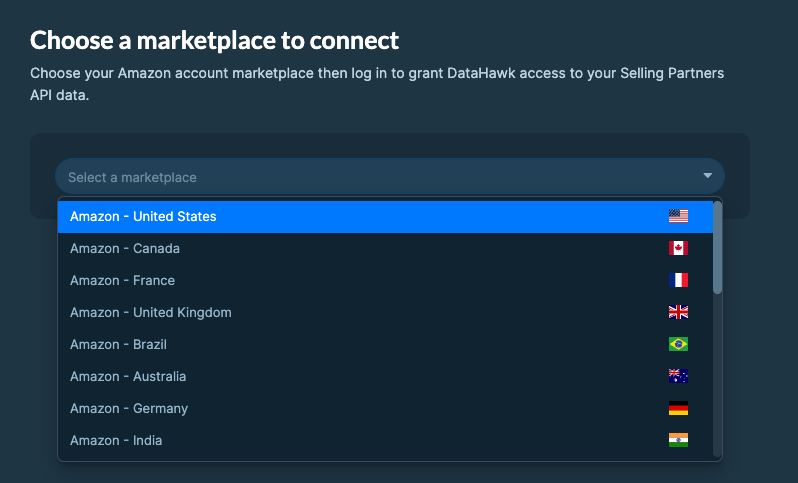
Supported regions
DataHawk integration works for Sellers registered in all Amazon regions:
- North America: US, Canada, Mexico, and Brazil.
- Europe: UK, Germany, Italy, France, Spain, Netherlands, UAE, Sweden, India, and Poland.
- Far East: Japan, Singapore, and Australia.
Data Coverage
Metrics resulting from integrating a Seller Central account can be accessed both in a raw format and ready-to-use reports and dashboards.
The table below highlights a very high-level summary of the datasets available, where they can be accessed, and how.
| Metric Family | By Account on your Database | By SKU on your Database |
|---|---|---|
| Sales | Yes | Yes |
| Orders | Yes | Yes |
| Units Sold | Yes | Yes |
| Returns | Yes | Yes |
| Refunds and Returns | Yes | Yes |
| Reimbursements | Yes | Yes |
| Marketing | Yes | Yes |
| Referral Costs | Yes | Yes |
| Warehousing Costs | Yes | Yes |
| Shipping Costs | Yes | Yes |
| Other Costs | Yes | Yes |
| Traffic & Sessions | Yes | Yes |
| Inventory | Yes | Yes |
Historical data storage
Once you connect your Seller Central account to DataHawk, we immediately retrieve a maximum of 2 years of historical data on some data point. We then securely store and back up all your data everyday, enabling more comprehensive reporting with extended historical context.
Refresh Frequency & Data Delay
Data is updated daily.
There is usually a delay in updating the data from the last 48 hours.
How to Connect your Amazon Seller Accounts
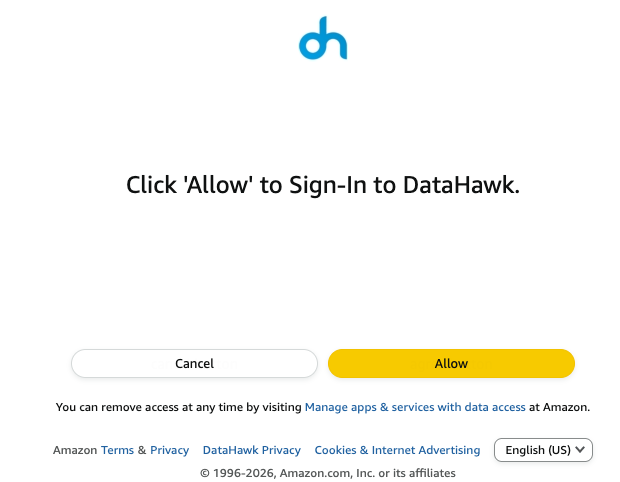
Before you start, ensure you have the necessary account permissions. If not, share the login link with someone who does.
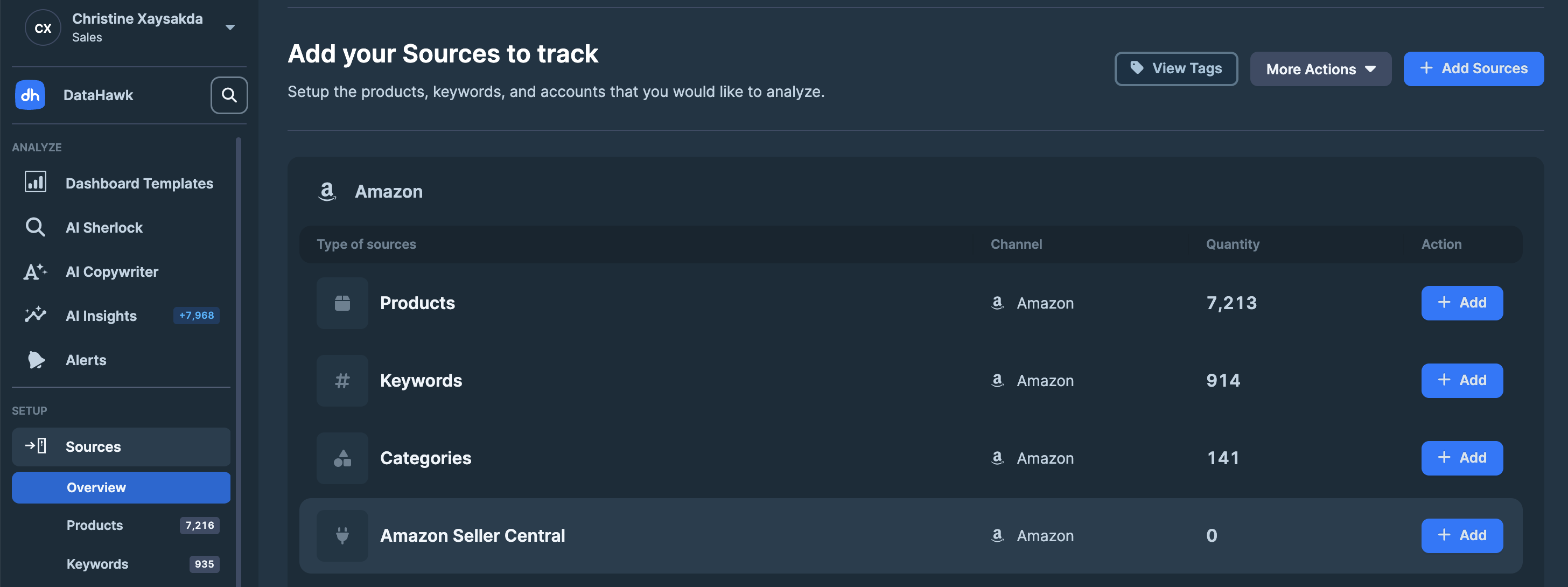
Go to the Sources Page
On DataHawk App, go to the Sources Page.
Add Sources
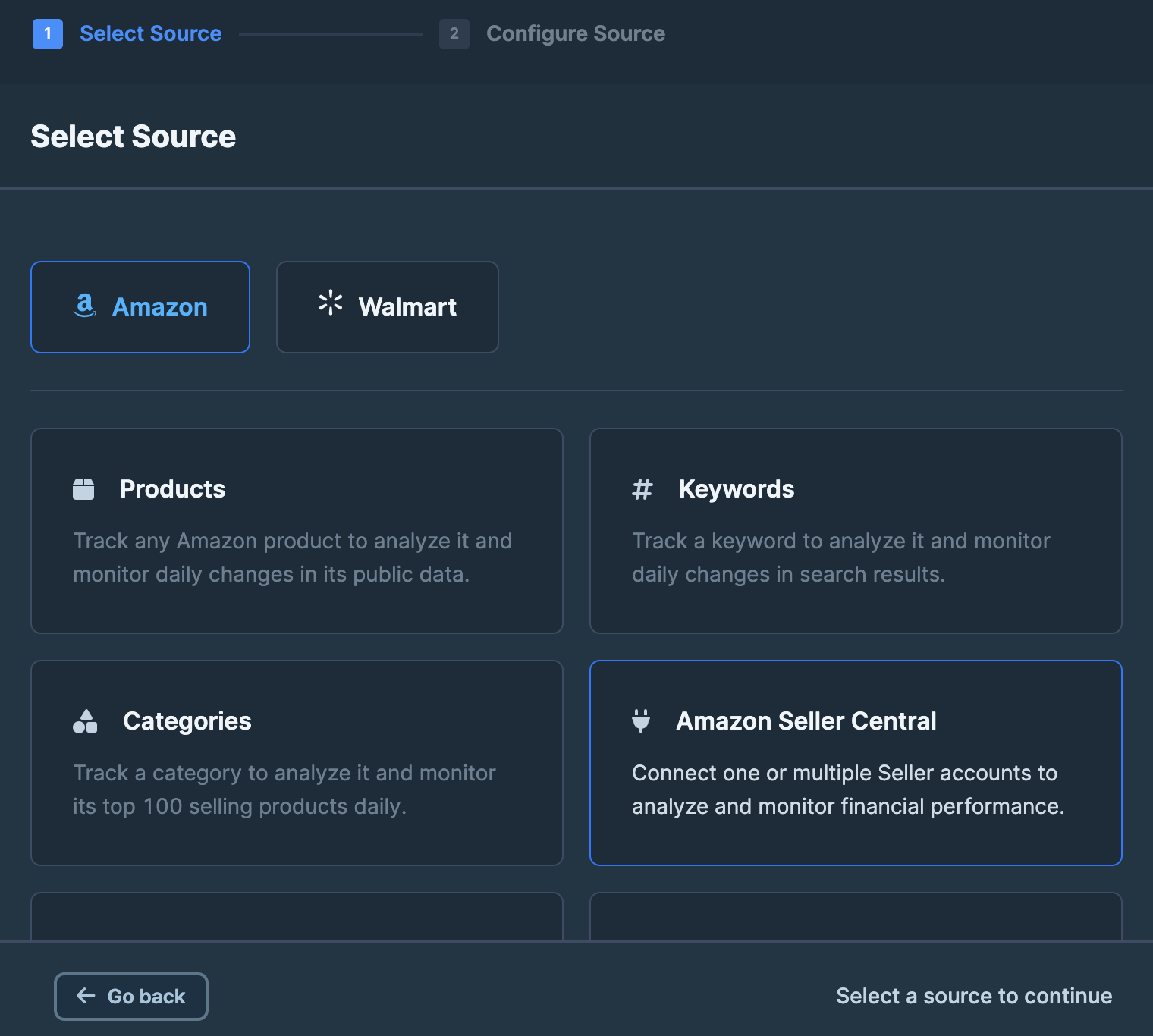
Click + Add Sources on the top right corner. Or + Add on the Amazon Seller Central line (jump to step 4).
DataHawk Limitations
- Data for the last 48h may be incomplete
- Due to Amazon's API's limitations, datasets contain data until 72 hours before the refresh.
- Some metrics are limited by Amazon API
- Initial historical depth is limited by Amazon API
Outputs
Raw data
Raw data can be accessed on your destination and can notably be used to build your own dashboards on your favorite BI solution.
Your Seller Central accounts data will be found in the following schemas:
| Schema | Available Data |
|---|---|
| FINANCE | Sales Data and Profit & Loss Data |
| RAW_INVENTORY | Inventory Breakdown Data |
| SELLING_PARTNER | Traffic & Sessions Data |
Use Find Tables and Columns to locate the current schema, table, and column definitions.
Dashboards
Ready-to-use dashboards and reports are available on the web application, and in our pre-built Power BI report covering Seller Finances & Supply Chain (Traffic Data coming soon).
Setup Overview
Connect your accounts and configure product, keyword, and category tracking so DataHawk can collect and deliver clean data across your business.
Amazon Private Data - Vendor Account
Connect your Amazon Vendor Central account to DataHawk to automatically collect sales, inventory, traffic, and margin data.